
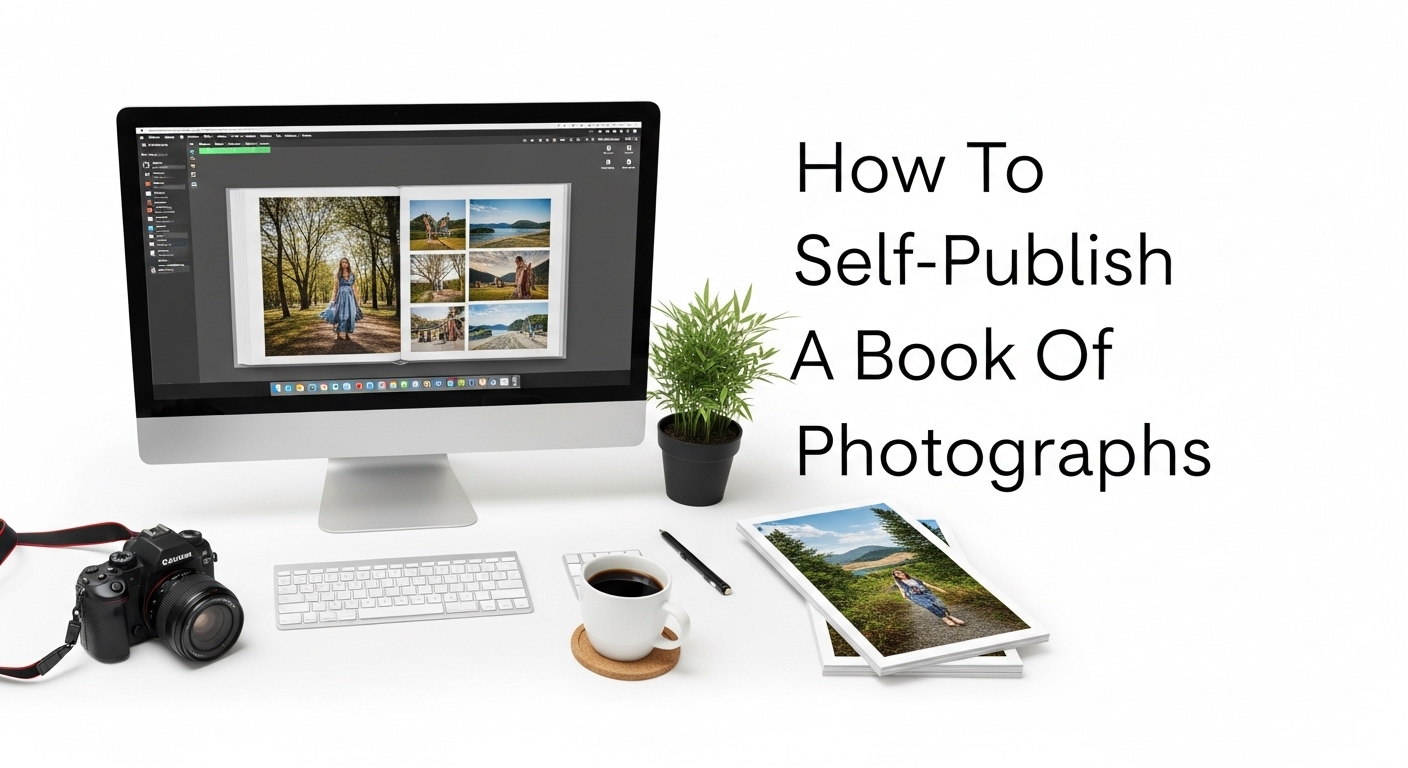
Self-publishing a book of photographs is a fulfilling way to showcase your creativity, tell a visual story, and establish your brand as a photographer. Whether you’re aiming to document travel experiences, capture nature’s beauty, or feature a conceptual art series, the process requires a balance of artistic vision and practical planning. This guide walks you through every step of how to self-publish your own photo book—from ideation to printing and distribution—without relying on any third-party promotion.
Understanding Your Vision and Concept
Before diving into layouts or printing formats, define the essence of your photo book. Ask yourself:
- What story do I want to tell?
- Who is my target audience?
- Is it thematic, documentary, narrative, or purely artistic?
Your book should have a cohesive theme—this helps unify your visual storytelling and gives it a strong emotional or conceptual thread. This might be a travel series from Southeast Asia, street photography in New York, or a monochrome fine-art collection.
Tip: Draft a short description or “mission statement” for your book. This will serve as your guide during editing, layout, and marketing.
Curating and Editing Your Photos
The most critical step in photo book creation is image selection. Quality beats quantity. Instead of cramming every shot into the book, focus on a powerful, well-curated selection.
Steps to Curate:
- Organize Your Library: Use folders or software to sort images by theme or location.
- Shortlist: Choose 3–5x more images than you’ll use.
- Sequence with Intent: Arrange photos to tell a story or show progression.
- Color Consistency: Ensure your photos share a consistent visual tone (especially important in digital printing).
- Get Feedback: Ask peers or mentors for constructive critiques.
Also, consider hiring or collaborating with a professional photo editor for a second set of eyes, especially if the project is extensive or emotionally tied to your personal experiences.
Choosing the Format and Size
The design of your book greatly affects the viewer’s experience. Decisions around size, orientation, paper type, and binding style need to be deliberate.
Considerations:
- Orientation: Landscape is typically preferred for photography books to showcase wide shots.
- Size: Common choices include 8×10″, 11×8.5″, or 12×12″.
- Paper Type: Lustre, matte, or glossy? Matte is often better for text-heavy books, while gloss can enhance photo vibrancy.
- Binding: Hardcover gives a premium feel; lay-flat binding is excellent for panoramic spreads.
Mock up a few different formats digitally or physically to see what best suits your collection.
Designing the Layout
Your layout should enhance the visual narrative, not overpower it. Photo book design is an art in itself. You want balance, rhythm, and breathing space.
Design Principles:
- White Space: Don’t feel compelled to fill every inch.
- Image Placement: Full-bleed spreads can have impact, but mix with smaller images for rhythm.
- Text Integration: Add captions, short essays, or quotes where relevant. Fonts should be clean and non-distracting.
- Margins and Bleeds: Account for trimming by keeping important elements away from edges.
Use professional design software like Adobe InDesign, Affinity Publisher, or open-source options like Scribus to maintain control over your design. Templates can be helpful, but ensure you customize them to reflect your style.
Writing an Introduction or Artist’s Statement
While the photos are the heart of your book, a short introduction or artist’s statement can provide context and connect the audience to your work emotionally and intellectually.
What to Include:
- What inspired this project?
- What is the central theme?
- What do you want readers to feel or understand?
Keep it authentic and concise. Your voice should reflect the tone of your visuals.
Printing Your Photo Book
Printing is where your creative vision meets reality. Choosing the right printing method affects both quality and cost.
Printing Options:
- Print-on-Demand (POD): Ideal for low-risk, smaller batches. Allows for flexible distribution.
- Offset Printing: Best for large runs (typically over 500 copies). Higher setup cost but lower per-unit price.
- Local/Independent Printers: Offer more personalization, paper variety, and control over the final output.
Get sample prints before committing to a bulk order. Make sure to check:
- Color accuracy
- Paper finish
- Binding quality
- Packaging
Don’t rush this step. Poor print quality can undermine months or years of hard work.
Pricing Your Book
Pricing a photo book involves understanding your costs and market position. Be transparent about your production costs so you can set a fair yet profitable price.
Factors to Consider:
- Printing cost per unit
- Shipping and handling
- Marketing expenses
- Royalties (if selling via a platform)
- Competitor pricing
Also decide whether you’ll offer limited edition signed copies, bundle with prints, or create digital versions for different price tiers.
ISBN, Copyright, and Legal Aspects
For self-publishers who want to sell broadly (online or in stores), you’ll need to handle some legal and formal details.
Key Items:
- ISBN: Required for retail distribution; identifies your book in databases.
- Copyright: Your work is automatically copyrighted upon creation, but you can register it formally for added protection.
- Barcode: Needed for physical retail sales.
- Photo Rights: Ensure you own all image rights or have permission for images used (e.g., if your book includes portraits of people or location-sensitive material).
Document everything properly—this safeguards your rights and helps if legal disputes arise later.
Distribution and Sales Channels
Once your book is ready, you need to decide how and where to sell it.
Popular Distribution Methods:
- Personal website
- Online bookstores
- Art galleries or photo exhibitions
- Local bookshops
- Pop-up markets or fairs
- Print-on-demand platforms
You can also pitch your book to independent bookstores or libraries. Offering signed or limited editions creates exclusivity and demand.
If you’re hosting exhibitions, a stack of your books can serve as both a souvenir and a powerful marketing tool.
Marketing Your Photo Book
Publishing your book is only half the battle. Getting it seen requires active promotion.
Organic Promotion:
- Share the creative process on social media.
- Create behind-the-scenes content.
- Offer sneak peeks or limited previews.
- Partner with influencers or artists in your field.
- Leverage your email list or start one.
Press and PR:
- Write a press release and send it to art blogs, photography magazines, and local media.
- Submit your book for awards or photography competitions.
- Ask for reviews from respected peers or photo critics.
Marketing takes persistence, especially for niche publications, but your passion for the project can carry your promotional efforts farther than you think.
Keeping a Professional Mindset
Self-publishing a photo book combines creativity with entrepreneurship. Treat it as both an art project and a business endeavor.
Checklist for a Professional Approach:
- Set realistic timelines and budgets.
- Keep detailed records of expenses and sales.
- Stay consistent in branding (cover, font, voice).
- Be open to feedback and evolving as a creator.
Each photo book is a stepping stone that refines your craft and expands your reach.
Conclusion
Creating and self-publishing a book of photographs is a rewarding way to share your artistic vision with the world. From concept and curation to layout, printing, and sales, each step is a chance to shape your identity as a photographer and storyteller. While it requires patience, investment, and perseverance, the end result—a physical embodiment of your creative journey—is worth every ounce of effort. Trust your eye, respect the process, and let your images speak.
FAQs
Q1: Do I need an ISBN to sell my photo book?
Yes, if you plan to sell it through bookstores or online retailers. It helps catalog your book professionally.
Q2: Can I include text in a photo book?
Absolutely. Captions, essays, or quotes can enhance the narrative if used thoughtfully.
Q3: Is print-on-demand a good option for photo books?
It works well for small runs and testing the market, but quality can vary—always check samples first.
Q4: Should I hire a designer or do it myself?
If you’re confident in layout software, you can design it yourself. Otherwise, hiring a professional ensures polished results.
Q5: How many photos should be in a photo book?
This varies, but 40 to 100 high-quality images are typical, depending on page count and story structure.



