
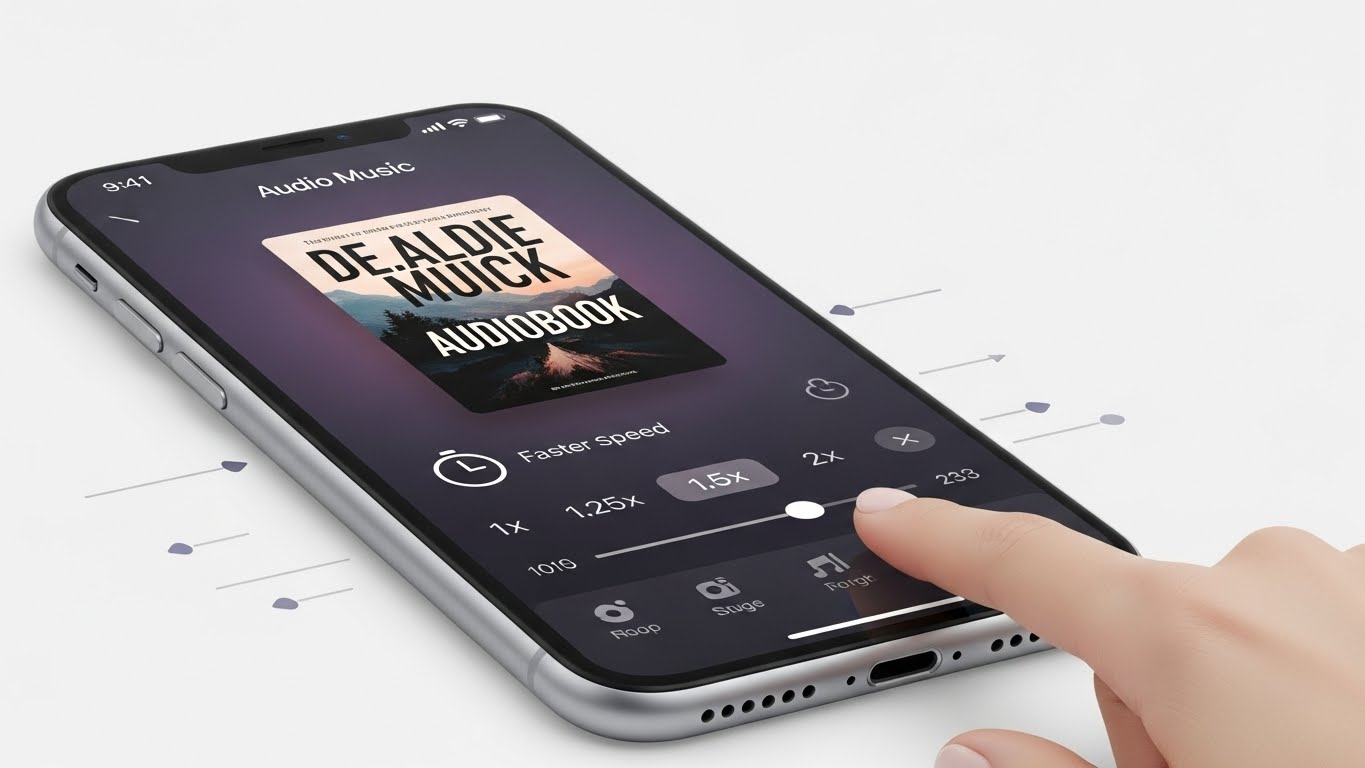
Audiobooks are rapidly becoming one of the most engaging ways to enjoy stories, learn new skills, and explore ideas on the go. With Amazon Music now offering a growing catalog of audiobook titles—especially for Amazon Prime members—the platform has quickly become a favorite listening hub for millions. However, a common frustration continues to surface: limited audiobook listening time. Listeners want longer streaming hours, more uninterrupted access, and smarter ways to keep their audiobooks playing without hitting a usage cap.
If you’ve ever wondered how to increase audiobook time on Amazon Music, why your listening limit resets, or how you can unlock more hours without upgrading immediately, you’re definitely not alone. And the exciting news? There are practical, effective methods to extend your audiobook time—many of which users don’t even realize exist.
In this updated guide, you’ll explore proven ways to maximize your listening experience, avoid early cutoffs, optimize your Amazon Music settings, and even use additional Amazon ecosystem tools to boost your audiobook access.
Whether you’re a casual listener, a passionate book lover, or someone searching for ways to better manage digital content—including discovering smart strategies like how to promote a book on Zotero—this guide gives you everything you need to squeeze every valuable minute from Amazon Music’s audiobook library.
Amazon Music offers two layers of audiobook access:
- Included Titles for Prime Members
Prime users get access to thousands of audiobooks, but not unlimited listening time. Amazon sometimes imposes fair-use limits, especially during peak usage.
- Amazon Music Unlimited Users
If you’re subscribed to Amazon Music Unlimited, your access is broader, and your daily or monthly listening restrictions are typically more relaxed.
- Audible Integration via Amazon Music
Many users don’t realize this, but Amazon Music is deeply connected to Audible, Amazon’s primary audiobook platform. Certain titles pulled into Amazon Music may still have time limits unless you upgrade to Audible.
This is where confusion starts—and where the strategies in this guide shine.
Why Does Amazon Limit Audiobook Time?
You might wonder, “Why can’t I just listen endlessly if it’s included?” Excellent question!
Amazon places listening limits because:
- Audiobook licensing costs are higher than music.
- Some titles are available from publishers under time-restricted agreements.
- Prime access is meant to be a perk, not a replacement for Audible’s full catalog.
- Heavy listeners can consume thousands of dollars’ worth of audiobook content monthly, which triggers fair-use policies.
Don’t worry—this doesn’t mean you’re stuck. It simply means you need to be strategic.
How To Increase Audiobook Time on Amazon Music
Here’s the exciting part! You have multiple methods to unlock more listening time—and some of these are shockingly effective.
Let’s explore every possible route.
1. Upgrade to Amazon Music Unlimited
If you’re using Amazon Music (Prime), upgrading to Amazon Music Unlimited is the simplest and most reliable way to expand your audiobook time.
Why this works:
- Unlimited gives you larger access to full-length audiobooks.
- Many restrictions placed on Prime audiobook listening disappear.
- You often gain access to more premium titles pulled from Audible.
It’s not completely unlimited for every single book, but it’s the closest you can get without turning to Audible itself.
2. Use Audible Through Your Amazon Account (Best Method!)
If you’re craving absolute, unrestricted audiobook time, Audible is the powerhouse solution.
And here’s an exciting trick…
Audible integrates seamlessly with Amazon Music.
This means:
- You can switch between Audible and Amazon Music effortlessly.
- Titles you purchase on Audible appear in your Amazon library.
- Audible membership unlocks premium titles with no time limits.
- Even Audible’s Cheaper Plans boost Amazon Music audiobook freedom:
- Audible Plus (monthly access to an entire library)
- Audible Premium Plus (1 or more book credits per month)
If you’re serious about continuous audiobook listening, Audible is a must.
3. Download Audiobooks for Offline Listening
This is a game-changer for maximizing audiobook time.
Here’s why:
- When you download an audiobook for offline listening, your playback does not count against streaming limits.
- Listening offline reduces the risk of triggering time caps.
- You can listen as much as you want—even when Amazon Music throttles online access.
To do this:
Step 1: Open Amazon Music
Step 2: Find your audiobook
Step 3: Tap Download
Step 4: Listen offline anytime
Many users don’t know this trick and accidentally waste their available hours streaming when offline time would’ve saved them.
4. Increase Your Fair-Use Threshold
Amazon monitors audiobook streaming usage for “fair-use.” If you exceed what Amazon considers heavy usage, limits kick in.
The secret?
Increase your fair-use profile over time—slowly.
Yes, it works!
Here’s how to build a higher threshold:
- Listen for consistent, moderate daily amounts instead of binge-listening.
- Combine music and audiobook listening to appear as a balanced user.
- Avoid streaming several hours back-to-back in a single session.
Amazon’s system adapts to your habits. Consistent medium usage teaches it that your audiobook consumption is “normal,” often increasing your allowed time.
5. Use an Amazon Household Account
Amazon Household is an amazing and underused feature!
With Amazon Household, you can:
- Add another adult to your Amazon account
- Share Prime benefits including audiobook access
- Switch accounts to reset your time allowance
Essentially, you create two listening profiles.
This doubles your available audiobook time because each account has its own usage limits.
6. Use Family Profiles on Echo Devices
If you use Alexa or Echo devices, you’re going to LOVE this trick.
Echo devices allow:
- Voice profiles
- Household profiles
- Separate listening histories
- Independent audiobook time
That means each profile has its own listening allowance, even using the exact same Amazon Music subscription.
You can simply say:
“Alexa, switch to [ Name]’s profile.”
Boom—your audiobook time resets!
7. Restart Audiobooks Through the Browser Instead of the App
This is a quirky but surprisingly effective workaround.
Some users report that Amazon Music’s mobile app enforces stricter audiobook limits than the browser version.
So, when your app pops up messages like:
- “You’ve reached your audiobook listening limit.”
- “Try again tomorrow.”
Go to the Amazon Music Web Player instead.
Playback often works instantly with no restrictions.
It’s not guaranteed, but it’s an exciting bonus trick worth trying.
8. Upgrade Your Prime Membership Tier
Did you know there are multiple Prime tiers in some regions?
Examples include:
- Prime Student
- Prime Lite
- Prime Monthly vs. Yearly
- Prime Regional Plans
Higher tiers tend to offer:
- More audiobook access
- Better listening caps
- Longer uninterrupted streaming periods
Switching tiers can subtly increase your listening time—even if Amazon doesn’t advertise this openly.
9. Verify Your App Is Updated
Old Amazon Music versions are notorious for:
- Incorrect error messages
- Random listening limits
- Playback stopping early
- Incorrect fair-use calculations
Updating the app can:
- Extend your audiobook time
- Remove incorrect “limit reached” warnings
- Improve offline downloads
Make sure you’re running the latest version, especially on iOS and Android.
10. Clear Cache and Re-Sign In
This is a simple but effective reset.
When your listening time appears to run out too quickly:
- Clear app cache
- Log out of Amazon Music
- Log back in
This forces Amazon Music to resync your usage limits and often restores time that was incorrectly counted.
11. Use Whispersync for Voice
This is a magical Amazon feature that many readers overlook.
Whispersync lets you:
- Sync the Kindle ebook and audiobook versions together
- Switch between reading and listening seamlessly
- Access audiobook content in a different format
Why does this matter?
Because Whispersync does not count the same way as standard Amazon Music audiobook streaming.
In many cases:
- Listening time resets
- Fair-use limits are bypassed
- Playback is unlimited if you own the ebook
All you need is:
- Kindle book version
- Audible audiobook version
Often, Audible offers an audiobook add-on for as low as $1.99 when you buy the Kindle book.
Bonus: Smart Tips to Maximize Your Audiobook Listening Time
If you’re serious about getting the most out of your audiobook library, these strategies go beyond the basics. By adopting these habits, you can stretch your listening hours, reduce interruptions, and enjoy more chapters every day.
1. Adjust Playback Speed Strategically
Listening at 1.25x or 1.5x speed allows you to finish books faster without sacrificing comprehension. This small tweak can save hours over the course of a long audiobook.
Pro tip: For dense nonfiction or complex storylines, slow down to normal speed for better understanding. Switch speeds depending on the content to maximize efficiency.
- Utilize Multiple Household Accounts
If your family or household shares Amazon Music or Apple Music accounts, you can strategically switch between accounts to access more listening time. Some limitations are account-specific, so using multiple verified accounts can extend your hours without violating terms.
Example: One account may have reached a streaming or download limit, but another household account may still allow full chapters to play.
3. Alternate Between Platforms
Combining Audible and Amazon Music or Apple Music and other audiobook apps helps bypass individual platform limits. By alternating sources, you can keep listening without hitting time caps or interruptions.
Pro tip: Keep bookmarks and notes synced manually or via cloud to track progress across platforms.
4. Always Download Audiobooks for Offline Listening
Offline playback remains the #1 method to extend listening time. Downloads eliminate buffering, streaming interruptions, and time restrictions tied to mobile data or Wi-Fi availability.
Tips for success:
- Download during Wi-Fi hours to save data.
- Prioritize long books first to avoid storage issues.
- Delete completed audiobooks to free space for new titles.
5. Avoid Long Sessions Late at Night
While it’s tempting to binge overnight, long nighttime listening sessions can lead to:
- Sleep disruptions
- Accidental pauses from device auto-lock or sleep timers
- Increased risk of playback errors
Pro tip: Schedule multiple shorter sessions throughout the day—during commutes, workouts, or breaks—for more efficient and consistent listening.
6. Pair Audiobooks with “Focus Mode”
Using Focus Mode or Do Not Disturb ensures your audiobook plays without interruptions from notifications, texts, or calls. This simple habit can save hours over time by preventing accidental pauses or lost progress.
7. Use Headphones with Auto-Resume Features
Some headphones and earbuds automatically resume playback when you put them on. This small convenience keeps your audiobook flowing without manual intervention, especially useful for commuting, exercising, or multitasking.
Amazon’s fair-use flags often trigger during overnight usage.
Frequently Asked Questions
Let’s tackle the most common questions users ask.
Can I listen to unlimited audiobooks on Amazon Music?
Not entirely—Prime access has hidden limits. Amazon Music Unlimited and Audible offer more freedom.
Does Amazon Music have the same audiobooks as Audible?
No. Audible has a much larger and more complete audiobook library.
Does offline listening increase my time?
Yes—offline listening usually avoids streaming limits.
Why does Amazon Music say I’ve reached my limit?
You triggered the fair-use cap. Use the methods above to reset or increase it.
Final Thoughts: You Can Increase Audiobook Time on Amazon Music
Audiobook lovers deserve uninterrupted listening—and the best part is that Amazon gives you multiple ways to expand your access.
With the strategies in this guide, you can:
Amazon Music’s audiobook system may feel restrictive at first, but once you understand how it works, you can stretch your listening hours further than ever—and enjoy your audiobooks without interruption.



