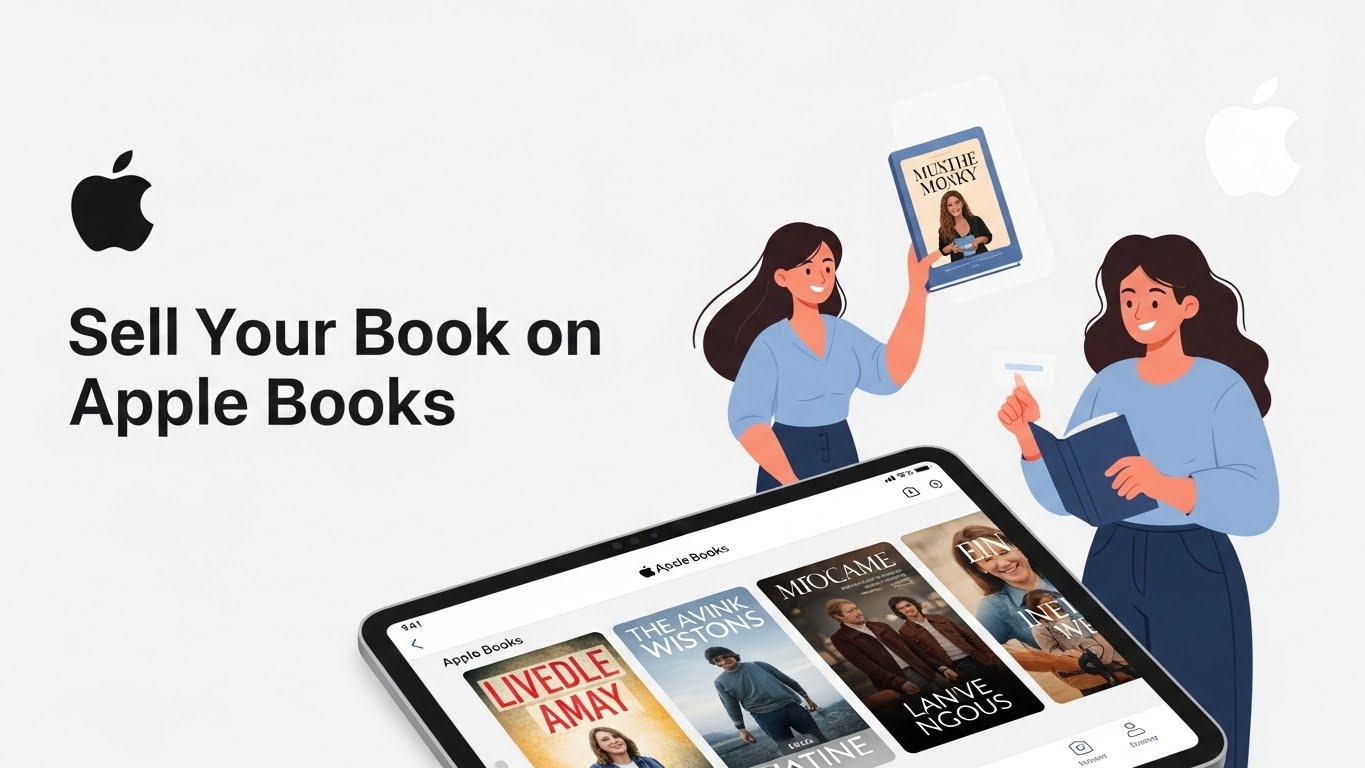
Selling your book on Apple Books is one of the most effective ways for authors to reach a global audience and increase ebook visibility. With millions of iPhone, iPad, and Mac users worldwide, Apple Books provides a seamless platform for both fiction and nonfiction writers to showcase their work. Whether you are a self-published author, an independent writer, or working with a small publisher, understanding how to sell your book on Apple Books can significantly boost your sales and expand your readership.
In today’s competitive market, authors often explore multiple platforms to maximize their reach. Alongside Apple Books, many writers are also interested in how to sell your book on Barnes and Noble, another popular platform for digital and print book distribution. By leveraging both platforms, you can tap into different reader bases and increase the chances of your book reaching the right audience.
In this comprehensive guide, we’ll walk you through everything you need to know to publish and sell your book on Apple Books, including account setup, manuscript formatting, ebook optimization, marketing strategies, and tips for growing your audience across multiple platforms.
Why Sell Your Book on Apple Books?
Apple Books, formerly known as iBooks, is one of the largest digital bookstores in the world. Here’s why you should consider selling your book on Apple Books:
- Global Reach: Apple Books is available in over 50 countries, giving authors an international platform to sell their books.
- High-Quality Reader Base: Apple users tend to spend more on digital content, making Apple Books a lucrative platform for serious authors.
- Seamless Integration: Apple Books integrates with all Apple devices, allowing readers to enjoy your book on iPhones, iPads, and Macs.
- Direct Sales: Authors can sell directly to readers without intermediaries, giving them more control over pricing and royalties.
By selling your book on Apple Books, you can tap into a dedicated readership that values high-quality ebooks and is willing to pay for unique content.
Step 1: Prepare Your Manuscript for Apple Books
Before you can sell your book on Apple Books, you need to make sure your manuscript meets Apple’s formatting requirements. Here’s what you need to do:
Choose the Right File Format
Apple Books accepts both EPUB and PDF formats. However, EPUB is recommended because it is a standard ebook format that allows reflowable text, making it readable on different screen sizes.
Optimize Your Formatting
To make your book visually appealing, pay attention to:
- Font and Typography: Use standard fonts like Times New Roman or Arial for readability.
- Table of Contents: Include a clickable table of contents so readers can easily navigate your book.
- Images and Graphics: Use high-resolution images for covers and illustrations, and compress them for faster loading.
Proofread Your Manuscript
Errors in your book can harm your credibility. Make sure your manuscript is professionally edited and formatted before uploading.
By preparing a polished, well-formatted manuscript, you increase your chances of attracting readers and receiving positive reviews on Apple Books.
Step 2: Set Up Your Apple Books for Authors Account
To sell your book on Apple Books, you need an Apple Books for Authors account. Follow these steps:
Sign Up for an Apple ID
If you don’t already have one, create an Apple ID. This ID will serve as your login for Apple Books and other Apple services.
Enroll in Apple Books for Authors
Visit the Apple Books for Authors website and enroll as an author. You’ll need to provide:
- Personal information (name, address, and contact details)
- Bank account details for royalty payments
- Tax information for your country
Apple will review your application, and once approved, you can start uploading your books
Step 3: Upload Your Book to Apple Books
After setting up your account, you’re ready to upload your manuscript. Here’s how:
Access Apple Books Connect
Apple Books Connect is the platform where authors manage their books. Log in using your Apple ID and navigate to the “My Books” section.
Add Your Book
Click “Add a Book” and provide the following details:
- Book Title and Subtitle: Ensure it includes relevant keywords to improve discoverability.
- Author Name: Match the name on your Apple ID for consistency.
- ISBN: Apple Books does not require an ISBN but having one can improve your book’s legitimacy.
- Book Description: Write a compelling description, including your main keywords.
Upload Your Manuscript and Cover
- Upload your EPUB file or PDF manuscript.
- Upload a high-resolution cover image. Apple recommends a minimum of 1400 x 1873 pixels.
Set Your Price
Choose your pricing strategy carefully. Apple Books allows you to set prices in different currencies for international sales. Consider:
- Competitive Pricing: Check similar books in your genre.
- Promotional Discounts: Offer discounts during launches or special events.
Once you have completed these steps, your book will be submitted for review. Apple typically takes a few days to approve new titles.
Step 4: Optimize Your Book Listing for Visibility
Having your book available on Apple Books is just the first step. To maximize sales, you need to optimize your book listing.
Use Keywords Effectively
Incorporate keywords in your book title, subtitle, and description. This improves your chances of appearing in search results when readers search for your genre or topic.
Write an Engaging Book Description
Your book description should be compelling and informative. Include:
- A hook that captures readers’ attention in the first two sentences.
- A summary of the plot or main ideas.
- Keywords naturally woven into the text.
Choose the Right Categories
Select categories that accurately represent your book. This helps Apple Books place your book in relevant searches and bestseller lists.
Add Preview Pages
Apple Books allows you to add a preview of your book. Include the first chapter or an excerpt to entice readers to purchase the full version.
Optimizing your book listing increases discoverability and encourages readers to buy your book.
Step 5: Promote Your Book on Apple Books
Marketing is crucial to selling your book on Apple Books. Here are proven strategies to boost your sales:
Leverage Social Media
Promote your book on Facebook, Instagram, Twitter, and TikTok. Share snippets, behind-the-scenes content, and book launch announcements to attract readers.
Build an Author Website
An author website allows you to showcase your books, collect email subscribers, and run promotional campaigns. Include:
- Book excerpts
- Reviews and testimonials
- Purchase links directly to Apple Books
Email Marketing
Email marketing is one of the most effective ways to sell books. Collect emails from your website and send newsletters about your book launch, promotions, or new releases.
Collaborate with Influencers
Partner with book bloggers, reviewers, and social media influencers to increase visibility. Reviews on popular platforms can drive traffic to your Apple Books page.
Offer Promotions
Apple Books allows you to run limited-time discounts. Use promotional pricing to generate buzz and increase sales.
Consistent promotion is key to building a loyal readership and increasing revenue on Apple Books.
Step 6: Monitor Sales and Gather Feedback
Apple Books provides tools to track your sales and reader engagement.
Use Apple Books Connect Analytics
Check:
- Sales numbers by region
- Previews and downloads
- Customer ratings and reviews
Gather Reader Feedback
Encourage readers to leave reviews. Positive reviews improve credibility and attract new buyers. Address negative feedback professionally to build trust.
Adjust Marketing Strategies
Use analytics to refine your marketing campaigns. If certain promotions or social media posts perform well, double down on those strategies.
Monitoring sales and feedback helps you make data-driven decisions and improve your book’s performance over time.
Tips to Maximize Your Success on Apple Books
Here are additional tips to boost your book sales:
- Regularly Release New Content: Readers are more likely to follow authors with consistent releases.
- Engage with Your Audience: Reply to comments, host Q&A sessions, and interact on social media.
- Invest in Professional Design: A professional cover and polished layout increase credibility.
- Optimize for SEO: Use long-tail keywords in your description and metadata for better visibility.
- Consider Audiobooks: Apple Books also sells audiobooks, providing an additional revenue stream.
By implementing these strategies, you can increase visibility, build a loyal reader base, and boost your sales on Apple Books.
Strategies to Boost Your Book Sales on Apple Books
Selling your book on Apple Books is not just about uploading your manuscript—it’s about building a strategy that attracts readers and maximizes revenue. Here are key strategies successful authors use:
- Optimize Your Book Metadata
Ensure your book’s title, subtitle, description, and categories are fully optimized with relevant keywords. Accurate metadata helps your book appear in search results and reach the right readers.
- Engage Your Readers Early
Offer a preview of your book or the first chapter for free. This allows readers to sample your writing style and increases the likelihood of a purchase.
- Build an Author Brand
Develop a consistent presence online. Use social media, an author website, and newsletters to engage with readers, announce new releases, and create anticipation for upcoming books.
- Leverage Promotions and Discounts
Apple Books allows authors to run limited-time promotions. Use promotional pricing strategically during launches or seasonal campaigns to boost visibility and sales.
- Collect and Highlight Reviews
Encourage readers to leave honest reviews. Positive reviews increase credibility and influence potential buyers, while constructive feedback helps you improve future books.
- Expand into Audiobooks or Series
Consider creating audiobooks or a book series. Offering multiple formats or sequels increases opportunities for readers to engage with your content and boosts long-term revenue.
By implementing these strategies, you can actively grow your readership, increase book sales, and maintain a strong presence on Apple Books.
Common Mistakes Authors Make on Apple Books
To avoid pitfalls, be aware of common mistakes:
- Ignoring Formatting Guidelines: Poorly formatted books may be rejected or provide a bad reading experience.
- Neglecting Keywords: Without proper keyword optimization, your book may remain invisible.
- Pricing Too High or Too Low: Incorrect pricing can deter readers or undervalue your work.
- Limited Promotion Efforts: Simply uploading your book is not enough; marketing is crucial.
- Skipping Reviews and Feedback: Reader feedback is invaluable for improving and promoting your book.
Avoiding these mistakes increases your chances of long-term success on Apple Books.
Conclusion
Selling your book on Apple Books is a powerful way to reach a global audience and increase your revenue. From preparing your manuscript to marketing your book, every step plays a crucial role in your success.
By following this guide, you can:
- Prepare a polished, well-formatted manuscript
- Set up your Apple Books for Authors account
- Upload and optimize your book listing
- Promote your book effectively to reach more readers
- Monitor sales and adjust strategies for maximum growth
With dedication, persistence, and strategic marketing, selling your book on Apple Books can be a rewarding experience. Start today, and watch your book reach readers around the world.
Frequently Asked Questions (FAQs) About Selling Your Book on Apple Books
Do I need an ISBN to sell my book on Apple Books?
No, Apple Books does not require an ISBN to publish your book. However, having an ISBN can enhance your book’s credibility and make it easier to distribute across multiple platforms like Barnes and Noble and other digital bookstores.
What file formats are accepted on Apple Books?
Apple Books primarily accepts EPUB files, which are ideal for reflowable text and a better reading experience across Apple devices. PDFs are also accepted, but they may not display as well on smaller screens.
How much does it cost to sell a book on Apple Books?
Publishing on Apple Books is free. Apple takes a 30% commission on each sale, meaning authors receive 70% of the revenue. This makes it a cost-effective platform for both new and experienced authors.
Can I change the price of my book after publishing?
Yes, you can adjust your book’s price at any time on Apple Books. You can also run limited-time discounts or promotional campaigns to attract new readers and boost visibility.
How long does it take for Apple Books to approve a new book?
Apple typically reviews new book submissions within a few days. Once approved, your book will be available for purchase on iPhones, iPads, and Macs, reaching millions of potential readers worldwide.



