
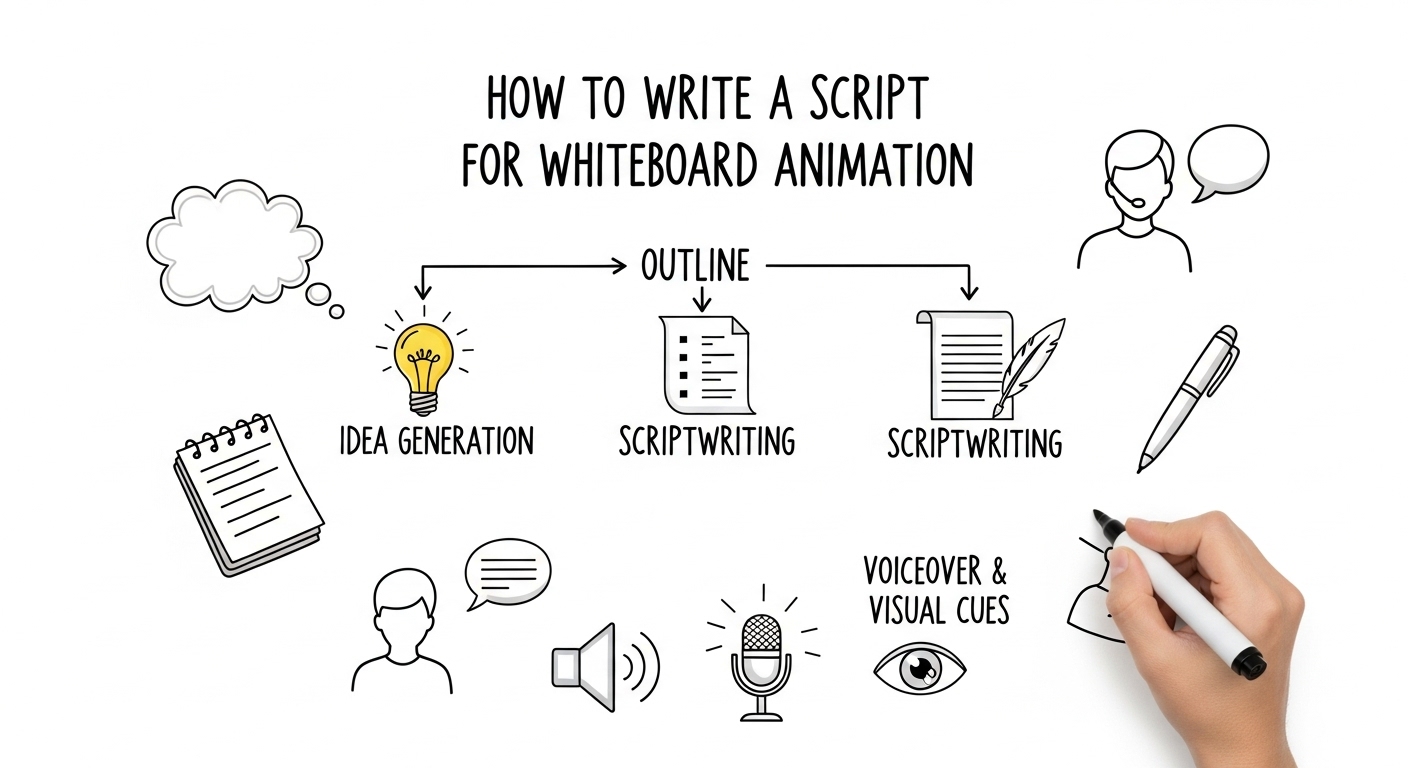
Whiteboard animations are one of the most effective ways to communicate complex ideas, simplify information, and capture audience attention through clear visual storytelling. Whether you’re creating an explainer video, educational content, marketing presentation, or corporate training material, the success of your whiteboard animation depends on a well-crafted script. A script is more than written dialogue—it’s a strategic blueprint that defines your visual cues, narration flow, pacing, and overall content structure.
Creating a whiteboard animation without a clear script is like setting off on a journey without a map—you may eventually arrive, but the process will be confusing, inefficient, and less impactful. A strong script enhances message clarity, strengthens storytelling flow, and ensures every visual supports the narrative. It blends content planning, storyboarding, and visual mapping to create a seamless, engaging viewer experience.
These scripting principles also apply when preparing content for a video interview, which relies heavily on thoughtful structure and purposeful communication. Writing a script for a video interview involves outlining key questions, defining the interview’s objective, planning smooth transitions, and organizing the conversation flow to highlight meaningful insights. By establishing this framework, you ensure the interview remains engaging, coherent, and aligned with the overall narrative direction.
What is a Whiteboard Animation Script?
A whiteboard animation script is a written plan that outlines what will appear on the screen and what will be spoken. Unlike traditional video scripts, it combines the narration with visual cues. This ensures that your message is delivered in a simple, engaging, and memorable way.
Key elements of a whiteboard animation script include:
- Narration Text: The exact words that will be spoken.
- Visual Cues: Drawings, icons, or actions that appear on the screen.
- Timing: Duration of each scene or visual.
- Transitions: How one scene moves to the next smoothly.
Why a Script is Essential for Whiteboard Animations
Creating a script before starting your whiteboard animation can save time, reduce errors, and make your content more effective. Here are the main reasons why scripting is essential:
- Clarity of Message: A script ensures that your message is concise and understandable.
- Improved Storytelling: Storyboarding your ideas helps build a natural flow that keeps viewers engaged.
- Visual Planning: You can decide in advance what visuals will support your narration.
- Time Management: Scripting prevents overloading the video with too much information.
Step-by-Step Guide to Writing a Whiteboard Animation Script
Creating a whiteboard animation script requires a blend of creativity, storytelling skills, and structured planning. Here’s a step-by-step process:
Step 1: Understand Your Audience
Before writing, identify your audience. Ask questions like:
- Who are they? (Age, occupation, interests)
- What problem do they want to solve?
- What tone and style will resonate with them?
Understanding your audience allows you to craft content that is engaging and relevant.
Step 2: Define Your Core Message
A whiteboard animation script should have a clear purpose. Focus on one central idea or message. Avoid including multiple topics that could confuse viewers.
Example Core Messages:
| Video Type | Core Message |
| Product Explainer | “How this software saves time for small businesses.” |
| Educational | “The process of photosynthesis in plants.” |
| Marketing | “Why our service is the best solution for startups.” |
| Training | “Steps to improve workplace productivity.” |
Step 3: Structure Your Script
A well-structured script ensures smooth storytelling. Most whiteboard animations follow a three-act structure:
- Introduction: Hook the audience and introduce the problem.
- Body: Explain the solution or concept clearly, using examples and illustrations.
- Conclusion: Reinforce the key message and include a call-to-action.
Example Structure Table:
| Section | Purpose | Duration (Seconds) |
| Introduction | Grab attention & present problem | 15–20 |
| Body | Provide solution or explanation | 60–90 |
| Conclusion | Reinforce message & call-to-action | 15–20 |
Step 4: Write the Narration
Your narration should be simple, conversational, and concise. Use short sentences and active voice. Read your script aloud to ensure it flows naturally.
Tips for Narration Writing:
- Avoid jargon unless necessary.
- Keep sentences under 15 words.
- Use relatable examples and analogies.
- Maintain a consistent tone throughout.
Step 5: Incorporate Visual Cues
Whiteboard animation is a visual medium. Each line of narration should have a corresponding visual idea. Think about:
- Characters or icons
- Diagrams or charts
- Hand-drawn animations or doodles
- Text highlights or keywords
Example:
| Narration | Visual Cue |
| “Our software organizes tasks automatically.” | Hand drawing of a checklist with tasks being ticked off. |
| “This saves you time and improves productivity.” | Clock icon and upward graph animation. |
Step 6: Determine Timing
Timing is crucial in whiteboard animation. Your narration and visuals should match perfectly to maintain engagement. A common rule is 125–150 words per minute.
Timing Table Example:
| Script Word Count | Recommended Duration |
| 50 words | ~20–25 seconds |
| 100 words | ~40–50 seconds |
| 150 words | ~60 seconds |
This helps ensure that your video is neither too fast nor too slow.
Step 7: Revise and Simplify
Once your first draft is ready, review it for clarity and conciseness. Remove unnecessary words, redundant ideas, and overcomplicated visuals. A simple and clear script increases retention and impact.
Tips for Engaging Whiteboard Animation Scripts
Creating an effective script requires more than just following a structure. Here are some expert tips:
- Start with a Hook: Capture attention within the first 5–10 seconds.
- Tell a Story: People remember stories better than facts.
- Include Questions: Engage your audience by asking thought-provoking questions.
- Use Humor Carefully: Light humor can increase engagement but avoid overdoing it.
- End with Action: Encourage viewers to act, such as visiting a website, subscribing, or learning more.
Table: Script Dos and Don’ts
| Dos | Don’ts |
| Keep sentences short and clear | Use complicated technical jargon |
| Align visuals with narration | Add visuals randomly without context |
| Focus on a single message | Try to cover too many ideas |
| Revise for flow and clarity | Skip proofreading |
| Use relatable examples | Assume the audience already knows everything |
How to Plan a Storyboard Alongside Your Script
A storyboard is a visual outline of your video. Planning a storyboard while writing your script ensures alignment between narration and visuals.
Steps for Storyboarding:
- Divide your script into scenes or key points.
- Sketch the visual for each scene.
- Include notes for motion, transitions, and timing.
- Revise storyboard alongside narration for consistency.
Storyboard Table Example:
| Scene | Narration | Visual | Duration |
| 1 | “Meet Jane, a small business owner.” | Character drawing of Jane at her desk | 5 sec |
| 2 | “She struggles to manage multiple tasks.” | Chaos of papers and emails flying | 7 sec |
| 3 | “Our software organizes her day effortlessly.” | Animated checklist with tasks completed | 8 sec |
Common Challenges and How to Overcome Them
Even with a structured approach, writing a whiteboard animation script has challenges:
- Too Much Information: Focus on the main idea; additional information can confuse viewers.
- Weak Visual Connection: Make sure every line of narration has a clear visual representation.
- Poor Pacing: Use timing tables and read aloud to maintain flow.
- Unclear Message: Ensure the script has a single, focused message.
Tools to Assist Script Writing
While traditional word processors work, specialized tools can improve efficiency:
| Tool | Purpose |
| Scriptwriting Software | Formatting and structuring scripts |
| Storyboard Templates | Planning visuals and transitions |
| Word Counters | Ensuring optimal timing and pacing |
| Feedback Platforms | Testing script readability with sample audience |
FAQs About Writing Whiteboard Animation Scripts
Q1: How long should a whiteboard animation script be?
A: Most whiteboard animations are 60–120 seconds. Keep scripts between 150–300 words to ensure clarity and engagement.
Q2: Should I write the script before designing visuals?
A: Yes. A script provides a clear roadmap for visuals, making the animation process smoother.
Q3: Can I include humor in my script?
A: Yes, but keep it relevant to your message and audience. Light humor increases engagement.
Q4: How do I ensure my script is engaging?
A: Use storytelling techniques, relatable examples, clear visuals, and a strong call-to-action.
Q5: How many revisions are necessary?
A: At least two to three revisions. Read aloud, simplify, and align visuals with narration.
Conclusion
Writing a script for whiteboard animation is both an art and a science. By understanding your audience, focusing on a single core message, structuring your script effectively, incorporating visual cues, and paying attention to timing, you can create an engaging and impactful video. Remember, the script is the foundation—spend time refining it, and your whiteboard animation will naturally captivate viewers.
Investing effort into writing a clear and compelling script can transform a simple whiteboard animation into a powerful communication tool. Follow the steps outlined in this guide, and you’ll be well on your way to producing professional, engaging, and memorable animated videos that resonate with your audience.



