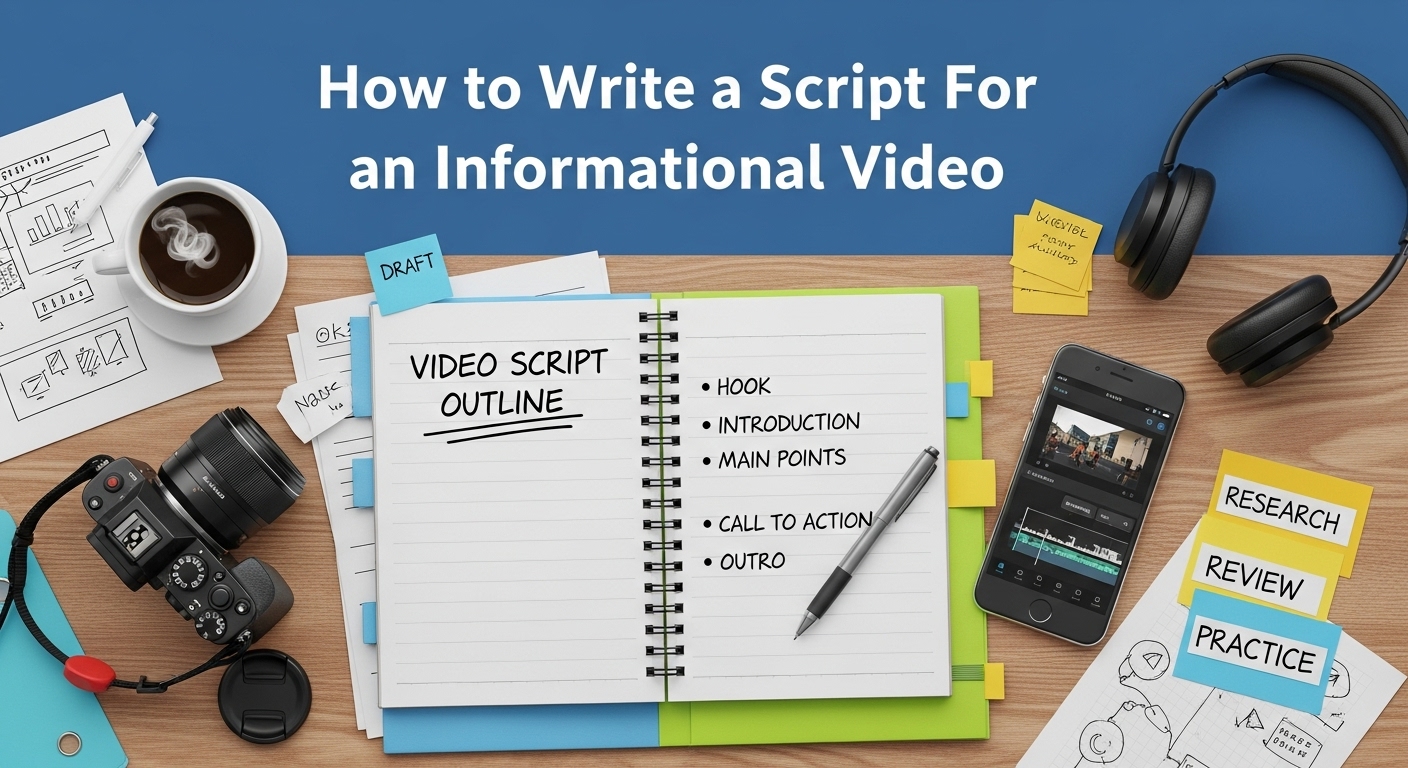
Creating an engaging informational video starts with a solid script. Whether you’re sharing tips, tutorials, or recipes, the key to capturing your audience lies in clear, structured, and compelling content. Many creators often wonder how to write a script for a cooking video or any other instructional content that keeps viewers hooked from start to finish.
By understanding your target audience, organizing your ideas effectively, and incorporating storytelling techniques, you can craft a script that not only informs but also entertains. In this guide, we’ll explore step-by-step strategies to write a professional and engaging script for informational videos, ensuring your message is communicated clearly and memorably.
Why a Script is Crucial for Informational Videos
Before diving into the mechanics, let’s clarify why a script matters. Some content creators think they can wing it—but here’s the reality:
- Clarity and Structure – A script ensures your video has a logical flow, avoiding rambling or tangents.
- Time Efficiency – A clear script saves time during shooting and editing.
- Audience Engagement – Carefully chosen words, pacing, and phrasing keep viewers interested and make complex topics digestible.
- SEO Benefits – When planned correctly, scripts can incorporate keywords naturally, helping your video rank better online.
Think of a script as the blueprint for your video. Without it, even the best ideas risk becoming confusing or forgettable.
Ready to Start? Let’s Break Down the Steps
Before you start filming, it’s essential to have a clear roadmap. Think of your script as the blueprint for your cooking video—it ensures your ideas flow logically, your instructions are easy to follow, and your viewers stay engaged from start to finish.
In the sections that follow, we’ll walk through each step of writing a compelling script for a cooking video. From structuring your introduction to writing clear instructions and adding personality, you’ll learn how to turn a simple recipe into an engaging story that keeps your audience coming back for more.
Step 1: Define Your Goal and Audience
Every successful video starts with two essential questions:
- What’s the goal of this video?
Are you teaching, demonstrating, persuading, or inspiring? Being clear about your goal shapes everything else. - Who is your audience?
Are they beginners, experts, or general viewers? Understanding their knowledge level and interests helps you choose the right language, examples, and tone.
Pro Tip: Create an “audience persona.” For instance, if your video is about generative AI for content creators, your persona might be: “Small business owners aged 25–40, tech-savvy but not AI experts, interested in saving time and improving content quality.” This persona guides your scriptwriting decisions.
Step 2: Research and Outline Your Content
A strong script starts with solid research. Even if you’re an expert, doing extra homework ensures accuracy and authority. Collect:
- Key facts and statistics
- Examples and case studies
- Common misconceptions
- Frequently asked questions
Once your research is done, organize it into a clear outline. A typical informational video structure looks like this:
- Hook – Capture attention in the first 5–10 seconds.
- Introduction – Introduce yourself and the topic.
- Main Points – Present 2–5 key points, each supported with examples or visuals.
- Recap – Summarize the main points.
- Call to Action (CTA) – Encourage viewers to take the next step, like subscribing, downloading a guide, or visiting a website.
Pro Tip: Use bullet points for your outline, not full sentences. You’ll translate these points into natural, spoken language during scripting.
Step 3: Write Conversationally
Here’s where many professionals stumble. Writing for the page is different from writing for the ear. People don’t want to listen to dense, academic prose—they want to feel like you’re talking directly to them.
Tips for a conversational tone:
- Use short sentences and simple words.
- Include rhetorical questions to engage viewers: “Ever wondered how AI can save hours of content creation?”
- Speak directly to the viewer using “you” and “we.”
- Use natural pauses and phrasing. Break long ideas into digestible chunks.
- Add storytelling elements: anecdotes, metaphors, or relatable scenarios.
Pro Tip: Read your script aloud as you write. If it sounds awkward when spoken, revise it. A script that reads well may not always speak well.
Step 4: Add Visual and Audio Cues
Informational videos rely on both visuals and narration. Your script should guide not only what is said but what is seen or heard. Think of it like a roadmap for your editor.
- Visual Cues: “[Show chart of AI usage stats]” or “[Insert screen recording of workflow]”
- Audio Cues: “[Pause for emphasis]” or “[Play upbeat background music]”
- Timing Notes: Estimate how long each section should take.
Pro Tip: Don’t over-script visuals. Allow room for spontaneity, especially if you’re demonstrating something live on camera.
Step 5: Keep It Short and Focused
Attention spans are short. Even if your topic is complex, aim to deliver your message in the most concise way possible. Break down the content into digestible segments:
- 60–90 seconds per key point
- 3–5 main points per video
- Total video length: 3–7 minutes (for general informational content)
Pro Tip: If your content is long, consider creating a series. This not only keeps viewers engaged but can also boost SEO and watch time on platforms like YouTube.
Step 6: Include a Strong Hook and CTA
The first few seconds are critical. A strong hook grabs attention and encourages viewers to keep watching. Examples:
- “What if you could cut your content creation time in half using AI?”
- “Here’s the biggest mistake businesses make with video marketing—and how to fix it.”
The CTA is equally important. It tells viewers what to do next and helps achieve your video’s goal. Examples:
- “Download our free AI content checklist below.”
- “Subscribe for more tips on creating smarter, faster videos.”
- “Try this AI tool for free and see results in minutes.”
Step 7: Revise, Edit, and Time Your Script
Even the best scripts need polishing. After your first draft:
- Read it aloud – This helps catch awkward phrasing and pacing issues.
- Trim unnecessary words – Every line should serve the purpose of teaching, engaging, or prompting action.
- Check timing – Speak at a natural pace, around 130–150 words per minute.
- Test on a colleague or friend – Fresh eyes can spot confusing sections or gaps.
Pro Tip: Use a timer or teleprompter app during practice to ensure your video stays within the desired length.
Step 8: Sample Script for an Informational Video
Let’s put theory into practice. Here’s a sample script for a 3-minute video on using generative AI for content creation.
[Hook]
“Ever wished you could create blog posts, social media content, and video scripts in minutes instead of hours? Today, we’ll show you how generative AI can make that possible—without losing your unique voice.”
[Introduction]
“Hi, I’m Alex from SmartContent Solutions. If you’re a content creator, marketer, or business owner, this video is for you. We’ll explore three practical ways AI can boost your productivity and creativity.”
[Main Point 1 – AI for Writing Assistance]
“First, AI can help generate content ideas and drafts. For example, tools like ChatGPT or Jasper can take a topic, like ‘how to write an SEO blog,’ and produce a full outline in seconds. You still add your personality, but the heavy lifting is done.”
[Visual Cue]: Show screen recording of AI generating a blog outline.
[Main Point 2 – AI for Editing and Proofreading]
“Next, AI can polish your writing. Grammarly, for instance, can detect grammar errors, suggest style improvements, and even check tone. This ensures your content is professional and engaging, without spending hours editing.”
[Visual Cue]: Overlay Grammarly suggestions on a sample text.
[Main Point 3 – AI for Video Scripts]
“Finally, AI can help script your videos. You can input your topic, and AI will generate a full script with hooks, main points, and calls to action. Then, you refine it with your own voice, examples, and visuals.”
[Visual Cue]: Split-screen showing AI script output and final polished script.
[Recap]
“To recap: AI helps with writing ideas, editing, and video scripting. It’s like having a smart assistant that accelerates your workflow while letting you focus on creativity.”
[CTA]
“Ready to try AI for yourself? Download our free guide on the best generative AI tools for content creators. Link in the description below.”
Step 9: Optimize for SEO and Discoverability
If your goal is for your video to rank on search engines or platforms like YouTube, consider the following:
- Keyword Integration: Naturally include your target keyword in your title, description, and script.
- Engaging Title & Thumbnail: Your title should be clickable and descriptive.
- Timestamps & Chapters: Break the video into sections for easier navigation.
- Closed Captions & Transcripts: Improves accessibility and SEO.
- Metadata & Tags: Use relevant tags, categories, and descriptions.
Pro Tip: AI tools can help generate optimized video descriptions, but always human-edit for natural flow and accuracy.
Step 10: Practice, Record, and Refine
Finally, the script is only part of the process. To make your video shine:
- Rehearse multiple times to feel natural and confident.
- Record in short segments to reduce mistakes and editing headaches.
- Review footage and tweak the script if needed.
- Iterate based on viewer feedback and analytics.
Remember: even the best script is just a foundation. Your delivery, visuals, and editing bring it to life.
Final Thoughts
Writing a script for an informational video doesn’t have to be intimidating. By defining your goal, understanding your audience, structuring content, writing conversationally, and including visual/audio cues, you can create videos that educate, engage, and convert.
Generative AI can help accelerate this process, but the human touch—storytelling, clarity, and authenticity—makes the difference. Treat your script as a blueprint, revise it thoughtfully, and practice until it flows naturally.
With the right script, your informational video can be both professional and approachable, leaving viewers informed, entertained, and ready to take action.
1. What is an informational video script?
It’s a written plan that organizes facts, explanations, and visuals in a clear, engaging way to teach or inform viewers.
2. How long should an informational video script be?
Most scripts are 2–5 minutes long, but the length depends on the topic and audience attention span.
3. How do I make complex information easy to understand?
Use simple language, examples, analogies, and visuals to break down ideas step by step.
4. Should I include a call-to-action in the script?
Yes, always guide viewers on what to do next, whether it’s visiting a website, subscribing, or applying the information.
5. How do I keep viewers engaged throughout the video?
Start with a hook, use a conversational tone, include visuals or graphics, and structure the content logically with clear sections.



